




About Cars Simulator
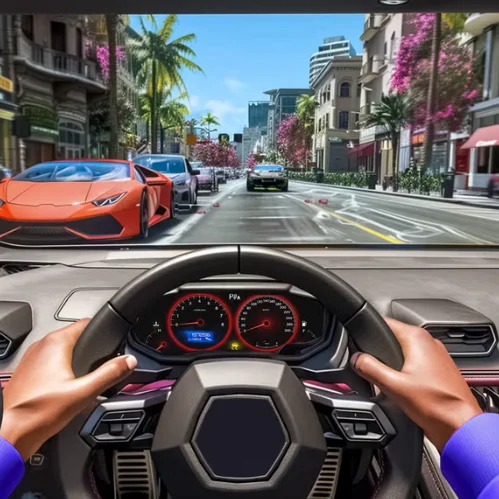
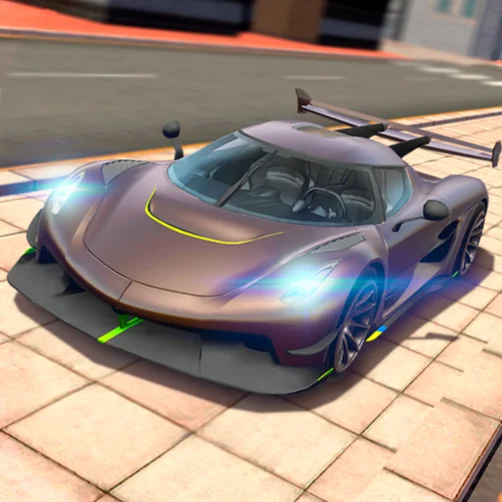
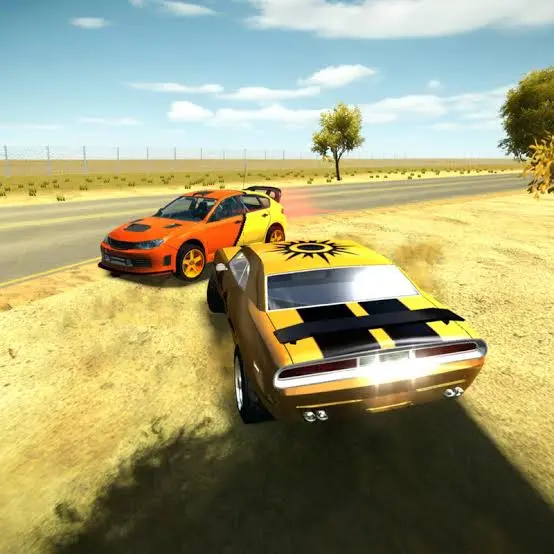
Cars Simulator is a 3D sandbox driving game developed by FreezeNova. It gives you three vehicles and three environments where you can drive, drift, jump from ramps, and experiment with stunts without following a campaign.
There are no mandatory races, delivery missions, or opponents to defeat. The game lets you create your own challenges. You can attempt long jumps, practice handbrake turns, explore every part of a map, or test how each vehicle handles at high speed.
The three-car selection includes vehicles with different designs and driving characteristics, including a police car with functional emergency lights. You can change vehicles instantly, making it easy to compare acceleration, steering, and stunt performance.
Cars Simulator runs directly in a desktop web browser using WebGL. Its keyboard controls make it easy to start, while its ramps and stunt areas provide room to improve more advanced driving techniques.
How to Play Cars Simulator
Start by selecting one of the available maps. Once the environment loads, choose a vehicle and begin exploring freely.
There is no required route, so you can decide how to play:
- Select a car with the number keys.
- Accelerate and explore the surrounding area.
- Look for ramps, open roads, and stunt structures.
- Use the handbrake to practice controlled slides.
- Activate the speed boost before long jumps.
- Change the camera when you need a better view.
- Reset the car if it flips or becomes stuck.
- Return to the menu whenever you want to select another scene.
Try combining multiple actions into one stunt. Build speed on a straight road, align the car with a ramp, activate the boost, and control the landing with small steering corrections.
Controls
Cars Simulator provides a broad set of desktop controls:
The police-light command is intended for the police vehicle. If a car becomes trapped after an unsuccessful stunt, use the reset key instead of trying to force it back onto the course.
Vehicles, Maps, and Stunt Features
The game’s variety comes from combining three cars with three different stunt-focused environments.
There is no traditional upgrade system. Progress comes from improving your control and discovering new ways to use the maps. Setting personal challenges gives each session a purpose even though the game does not assign formal objectives.
Beginner Tips for Cars Simulator
Test every vehicle. A car that feels difficult during a stunt may still be well suited to drifting or casual exploration.
Learn normal steering before using the boost. Extra speed makes every correction more sensitive and increases the chance of missing a ramp.
Brake before entering a corner. Using the handbrake too late can send the vehicle into an uncontrolled spin.
Align with ramps from a distance. A straight approach is more reliable than trying to correct the direction at the last moment.
Use a wide camera angle while exploring. Better visibility helps you identify obstacles, landing areas, and alternative routes.
Release the accelerator before landing at a bad angle. Reducing power can make the car easier to stabilize after contact with the ground.
Reset without hesitation. There is no penalty for restarting, so repeat difficult jumps until you understand the correct approach.
Advanced Cars Simulator Techniques
Combine the boost and handbrake selectively. Boosting into a corner creates speed, while a short handbrake input begins the slide. Release the brake and countersteer gently to regain control.
Plan both takeoff and landing. Before using a ramp, inspect the area beyond it. A powerful jump is only successful if there is enough clear space to land.
Use camera changes strategically. A closer view can feel more immersive, while a distant view makes it easier to judge rotation and landing position during large stunts.
Develop repeatable approach points. Begin a stunt from the same location each time, then change only one variable—speed, steering angle, or boost timing. This makes improvement easier to measure.
Avoid steering heavily in midair. Small adjustments are safer because an extreme angle can make the car land sideways or on its roof.
Create a stunt sequence instead of attempting isolated jumps. Link a drift, boost run, ramp launch, and controlled landing into one continuous route.
Set self-imposed challenges. Try completing a map without resetting, landing a jump with each vehicle, or performing a clean drift around a selected structure.
FAQ
Is Cars Simulator free to play?
Yes. Cars Simulator can be played online for free in a supported browser.
Does Cars Simulator require a download?
No. The game runs directly in the browser without a separate installation.
How many cars are available?
There are three vehicles, including a police car with working emergency lights.
How many maps can I explore?
Cars Simulator includes three environments designed for free driving and vehicle stunts.
Does the game have races or missions?
No. It is a sandbox driving game without a required campaign. You are free to explore and create your own challenges.
How do I change vehicles?
Press the 1, 2, or 3 key to switch between the available cars.
How do I activate the police lights?
Select the police vehicle and press E to toggle its emergency lights.
What should I do if the car flips over?
Press R to reset the vehicle and continue driving.
Is Cars Simulator multiplayer?
No. The standard browser version is a single-player driving experience.
Who developed Cars Simulator?
Cars Simulator was created by FreezeNova and released as a browser-based 3D driving game.
More Games Like This
Real Simulator Monster Truck
Flying Car Simulator

Grand Vegas Simulator
Highway Bike Simulator

Indian Truck Simulator
Ultimate Offroad Simulator
Indian Truck Simulator 3D

Real Construction Excavator Simulator

Idle Restaurants Tycoon

Idle Idle GameDev

Dalgona Candy Honeycomb Cookie
