




About 3D Moto Simulator 2
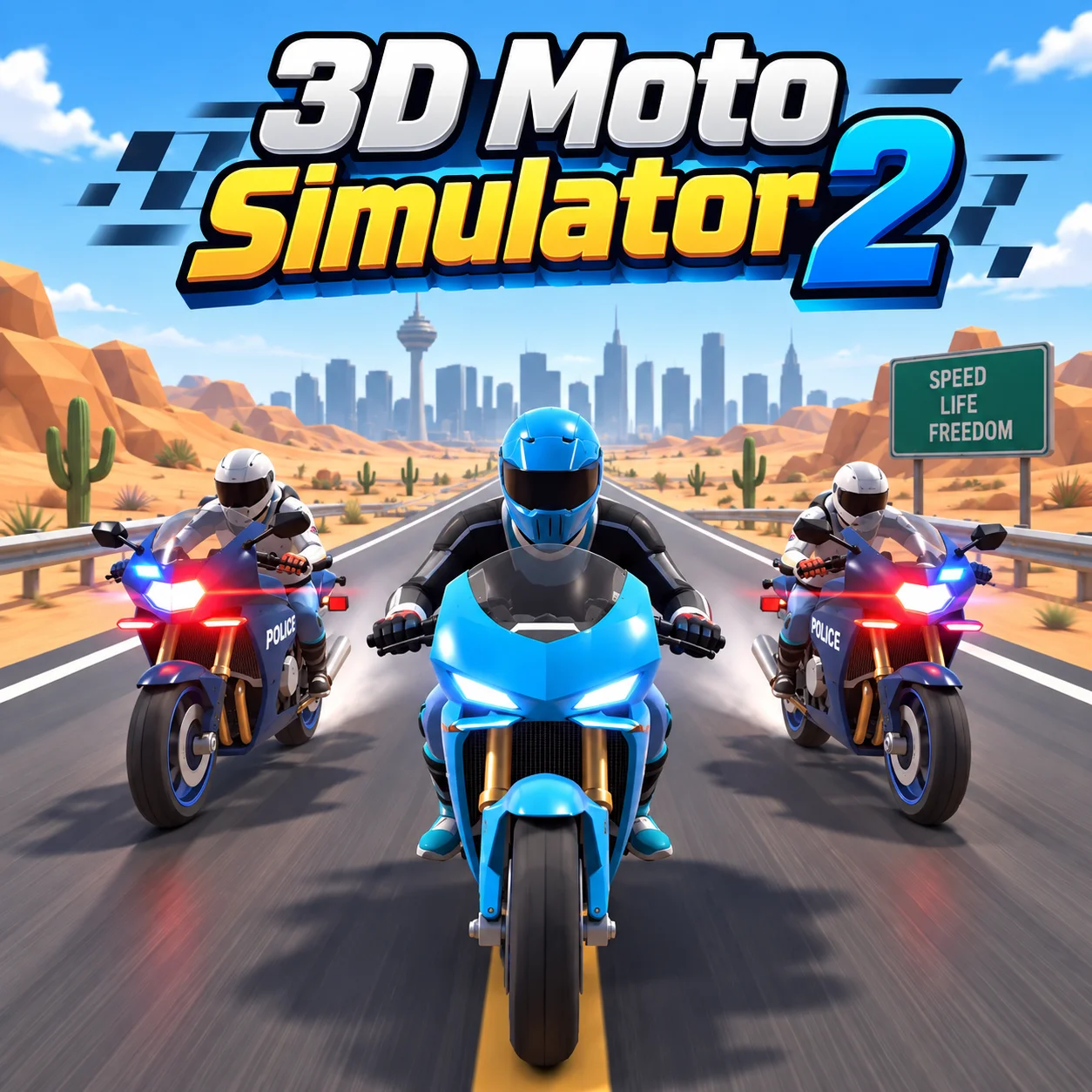
3D Moto Simulator 2 is a free-roaming motorcycle game developed for desktop web browsers. Instead of forcing you to follow a fixed racing schedule, it gives you large environments where you can ride at your own pace, discover new routes, practice high-speed turns, and experiment with different motorcycles.
Three bikes are available: a fast racing motorcycle, an agile motocross bike, and a police motorcycle equipped with lights and a siren. You can instantly switch between them while riding, making it easy to compare their appearance and handling without restarting the game.
The game also includes three expansive maps. You can explore a mountainous desert city, ride through a large urban complex, or test your skills in a barren wasteland filled with open roads and off-road areas. There are no strict lap times or compulsory missions, so you are free to create your own riding challenges.
How to Play 3D Moto Simulator 2
- Begin by selecting one of the three available locations. Once the map loads, accelerate and explore the surrounding streets, dirt tracks, ramps, and open terrain.
- Use the number keys to change motorcycles whenever you want. The racing bike is a natural choice for high-speed road riding, while the motocross bike is better suited to exploring dirt routes and uneven areas. Select the police bike when you want to patrol the city and activate its emergency lights.
- Turbo provides a temporary burst of speed, but using it at the wrong moment can make the motorcycle harder to control. Build speed on straight roads, brake before tight corners, and use the camera controls to find the best view for your riding style.
- Because this is an open-world simulator, you decide what to do. You can explore every part of a map, search for jumps, practice drifting with the handbrake, or challenge yourself to complete a route without crashing.
Controls
Keyboard controls make a desktop or laptop browser the recommended way to play.
Bikes and Maps in 3D Moto Simulator 2
The combination of three motorcycles and three maps gives you several ways to create your own driving experience.
You can change bikes during the session, so there is no need to commit to one motorcycle. If a route feels difficult, switch vehicles and see whether another bike is easier to control.
Beginner Tips
- Learn the steering at moderate speed before activating turbo.
- Release the accelerator before entering a sharp corner.
- Use the racing bike on wide paved roads while learning the controls.
- Select the motocross bike when exploring rough ground and dirt tracks.
- Change the camera if the current view makes it difficult to judge turns.
- Use short steering inputs instead of holding a direction continuously.
- Press G if the motorcycle becomes stuck or falls into an awkward position.
- Explore one map at a time until you recognize its roads and landmarks.
- Save turbo for long, clear sections where there is room to slow down.
Advanced 3D Moto Simulator 2 Strategy
Fast riding depends on planning ahead rather than holding the accelerator continuously. Look beyond the motorcycle and identify the next corner, intersection, or terrain change before it reaches you. Brake while traveling in a straight line, turn smoothly, and accelerate again when the exit becomes clear.
Use turbo in controlled bursts. Activating it near a corner can create more speed than the motorcycle can safely carry through the turn. On a long straight road, however, turbo helps you reach maximum speed and can add extra distance to a jump.
The camera is also a useful driving tool. A wider view helps you monitor nearby roads and obstacles, while a closer perspective can make high-speed riding feel more immersive. Switch views based on the route rather than using the same camera everywhere.
For a greater challenge, create your own objectives. Attempt a clean city circuit, locate every major road, perform jumps with each motorcycle, or cross an off-road area without resetting. Self-imposed challenges give the open maps more replay value.
FAQ
Can I play 3D Moto Simulator 2 online?
Yes. The game runs directly in a compatible desktop web browser without requiring a separate game installation.
How many motorcycles are available?
There are three motorcycles: a racing bike, a motocross bike, and a police bike.
How many maps can I explore?
The game includes three large locations: a mountainous desert city, an urban complex, and a barren wasteland.
Does 3D Moto Simulator 2 have races or missions?
The main experience focuses on free exploration. You can ride around the maps, test the motorcycles, search for off-road tracks, and create your own challenges.
How do I change motorcycles?
Press the 1, 2, or 3 key to switch directly between the available bikes.
How do I activate the police lights?
Select the police motorcycle and press E to activate its emergency lights.
Can I change the camera view?
Yes. Press C to cycle through the available camera perspectives.
What should I do if my motorcycle gets stuck?
Press G to reset the motorcycle. If you need to restart the entire session, use R.
What is the best motorcycle for off-road riding?
The motocross bike is the most suitable option for dirt tracks, rough terrain, and jump experiments.
Is 3D Moto Simulator 2 a multiplayer game?
No. It is primarily a single-player free-roaming motorcycle simulator.
More Games Like This
Car Simulator Arena
Edy’s Car Simulator
Flying Car Simulator

Grand Vegas Simulator
Indian Truck Simulator
Ultimate Offroad Simulator
Indian Truck Simulator 3D
Real Construction Excavator Simulator

Idle Restaurants Tycoon

Idle Idle GameDev

Dalgona Candy Honeycomb Cookie
