




About 18 Wheeler Cargo Simulator 2
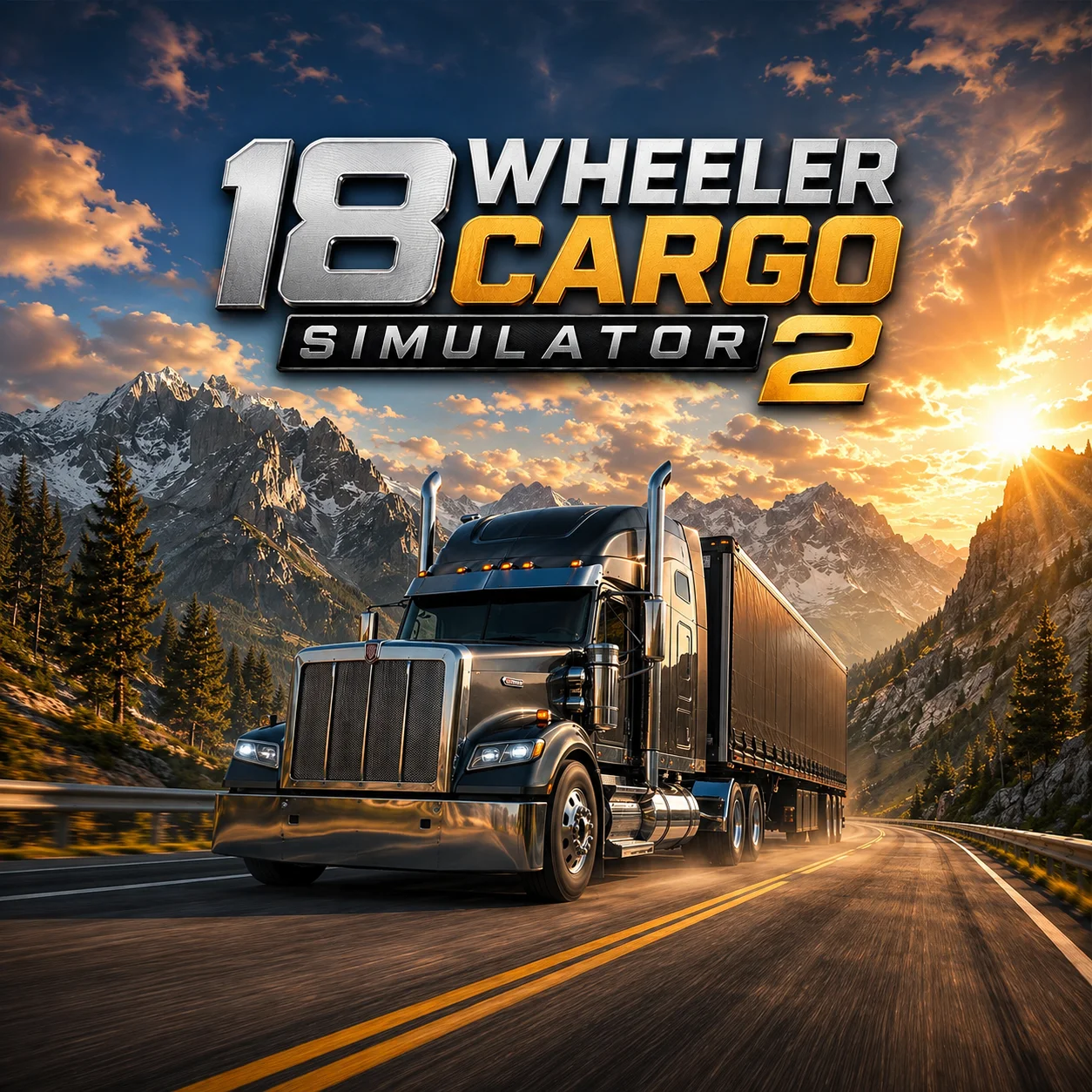
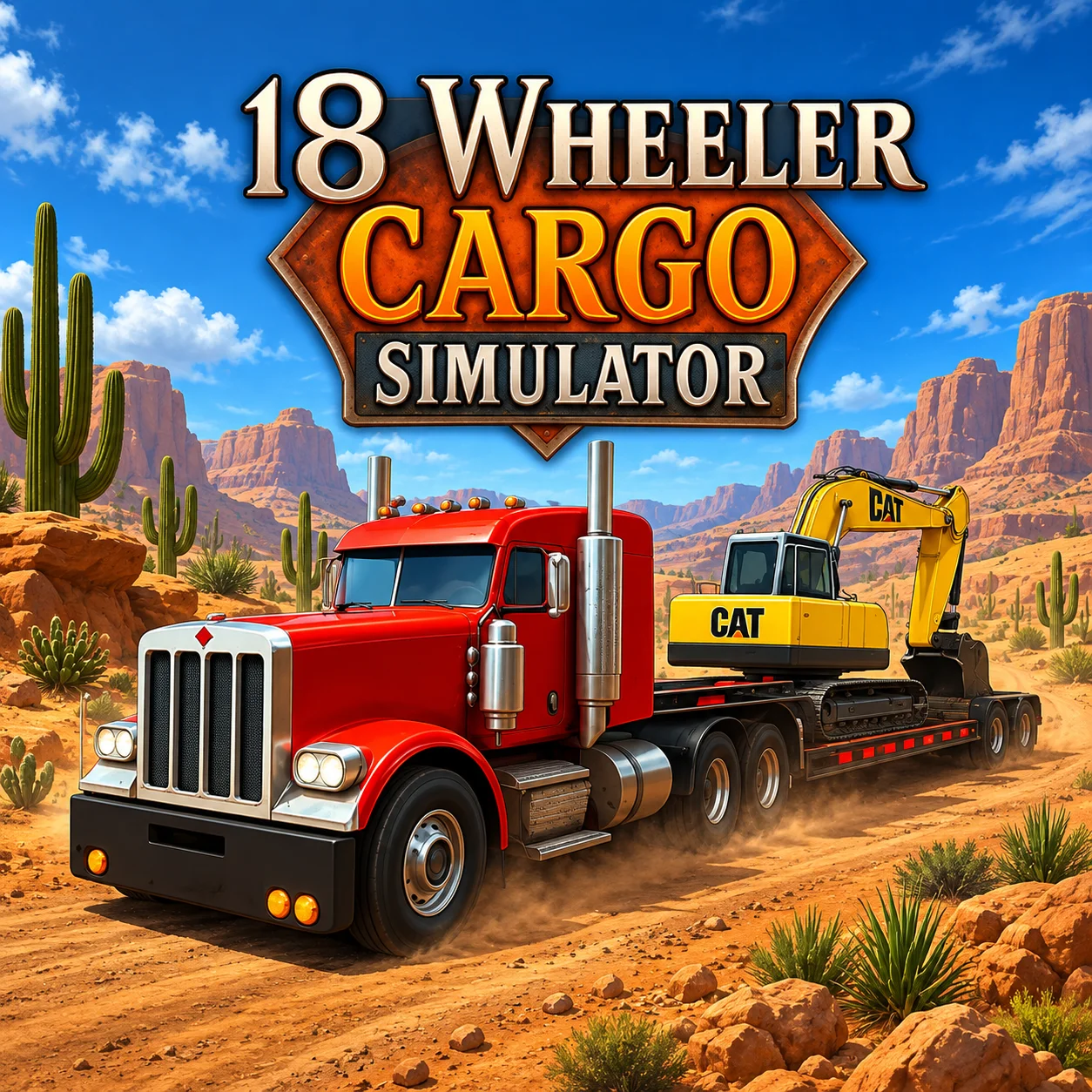
18 Wheeler Cargo Simulator 2 is a 3D truck-driving game developed by VitalityGames. It puts you behind the wheel of a large commercial truck and challenges you to transport exposed cargo across uneven rural terrain.
The game contains 10 delivery levels. Routes pass through rolling hills, forested areas, small villages, steep inclines, and narrow roads designed to test your control of a long, heavy vehicle.
Reaching the destination is only part of the job. Your cargo rests on the trailer and responds to acceleration, braking, steering, and changes in terrain. Driving too aggressively can cause part of the load to fall, reducing the quality of the delivery or forcing you to repeat the mission.
Each level concludes with a precision maneuver. You must guide the truck and trailer into the designated delivery area, stop in the correct position, and complete the job with the cargo intact.
18 Wheeler Cargo Simulator 2 runs directly in a desktop browser. Its keyboard controls and adjustable 3D camera make it suitable for players who enjoy methodical driving rather than high-speed racing.
How to Play 18 Wheeler Cargo Simulator 2 Online
- Select the first available level and allow the truck to load fully. Before moving, look at the road ahead and identify the direction of the delivery route.
- Use W or the Up Arrow to accelerate. Heavy trucks gain momentum gradually, so apply the throttle smoothly instead of repeatedly switching between full acceleration and hard braking.
- Steer with A and D, or the left and right arrow keys. Begin turning earlier than you would in a small car because the trailer follows a tighter path than the cab.
- Press Spacebar to apply the brake or handbrake. Reduce your speed before steep descents, narrow bridges, obstacles, and sharp corners.
- Use C to change the camera view whenever the default angle does not show the road, trailer, or delivery area clearly. A wider view is especially helpful when reversing or positioning the rear of the truck.
- Follow the route to the destination and park inside the marked zone. Complete the delivery with as much cargo as possible to earn rewards and unlock the next mission.
Controls
The desktop browser version uses keyboard driving controls.
Camera behavior may differ slightly between hosted versions. Use the on-screen control guide if the website provides additional camera commands.
Cargo, Truck Physics, Routes, and Progression
Four systems determine whether a delivery succeeds.
The truck and trailer behave as one connected system. Turning the cab does not instantly change the direction of the rear wheels, so every corner must be wide enough for the complete vehicle.
The cargo adds another layer of difficulty. Even when the truck remains on the road, a sudden steering correction or hard landing after a hill can throw items from the trailer.
Beginner Tips for 18 Wheeler Cargo Simulator 2
- Accelerate gradually at the start of a mission. This gives you time to understand how the current cargo responds.
- Brake before entering a corner. Heavy braking while turning can destabilize both the trailer and the load.
- Take wide turns. Watch the rear wheels because they pass closer to the inside edge than the cab.
- Use the camera toggle frequently. One view may be best for driving forward, while another is better for parking.
- Slow down before the top of a hill. The road may descend or turn immediately beyond a section you cannot see.
- Maintain steady throttle when climbing. Sudden acceleration can disturb loose cargo.
- Avoid unnecessary contact with fences, trees, buildings, and road edges. Small collisions can change the trailer’s direction.
- Enter the final parking area slowly. A clean delivery can be lost through one rushed maneuver at the destination.
Advanced Cargo-Driving Strategy
Plan every difficult section before the truck reaches it. Identify the corner, reduce speed while the vehicle is still straight, choose a wide entry point, and accelerate only after the trailer clears the obstacle.
Use separate reference points for the cab and trailer. The front of the truck may pass safely around a corner while the trailer remains on a collision course. Check the mirrors or external camera before completing the turn.
Control downhill speed early. A fully loaded vehicle gains momentum quickly, and waiting until the bottom of a slope to brake can result in cargo loss. Use short, controlled braking inputs rather than one late emergency stop.
When reversing, steer in small increments. The trailer reacts in the opposite direction to the initial movement of the cab, and large corrections can quickly create an unrecoverable angle.
If the truck begins to sway, release the accelerator and straighten the wheels. Do not immediately countersteer aggressively, as this can transfer the swing to the other side and throw more cargo.
Treat the final delivery zone as a parking challenge. Approach from an angle that gives the entire truck enough space, align the trailer first, and then make minor corrections at low speed.
FAQ
Is 18 Wheeler Cargo Simulator 2 free to play?
Yes. The game can be played for free on websites that host the browser version.
Do I need to download the game?
No. It runs directly in a compatible desktop web browser without requiring a traditional installation.
Who developed 18 Wheeler Cargo Simulator 2?
The game was developed by VitalityGames as an exclusive browser truck simulator.
How many levels are available?
There are 10 cargo-delivery levels with progressively more difficult roads and parking challenges.
What is the main objective?
Transport the cargo safely through each route and park the truck in the marked destination without losing the load.
How do I change the camera?
Press C to switch between the available camera views.
Why does my cargo keep falling off?
Common causes include excessive speed, sudden steering, hard braking, collisions, and crossing uneven terrain too aggressively.
How should I drive uphill?
Build moderate speed before the incline and maintain steady acceleration. Avoid abrupt steering or throttle changes while the truck is climbing.
What is the best way to drive downhill?
Reduce speed before beginning the descent and use controlled braking to prevent the heavy truck and trailer from gaining too much momentum.
Can I upgrade or unlock trucks?
Some hosted versions connect successful deliveries with earnings or additional truck options. The exact progression features may depend on the version provided by the game website.
More Games Like This
Car Simulator Arena
Edy’s Car Simulator
Flying Car Simulator

Grand Vegas Simulator
Highway Bike Simulator
Ultimate Offroad Simulator
Cars Simulator
Real Construction Excavator Simulator

Idle Restaurants Tycoon

Idle Idle GameDev

Dalgona Candy Honeycomb Cookie
