









About Parrot Simulator
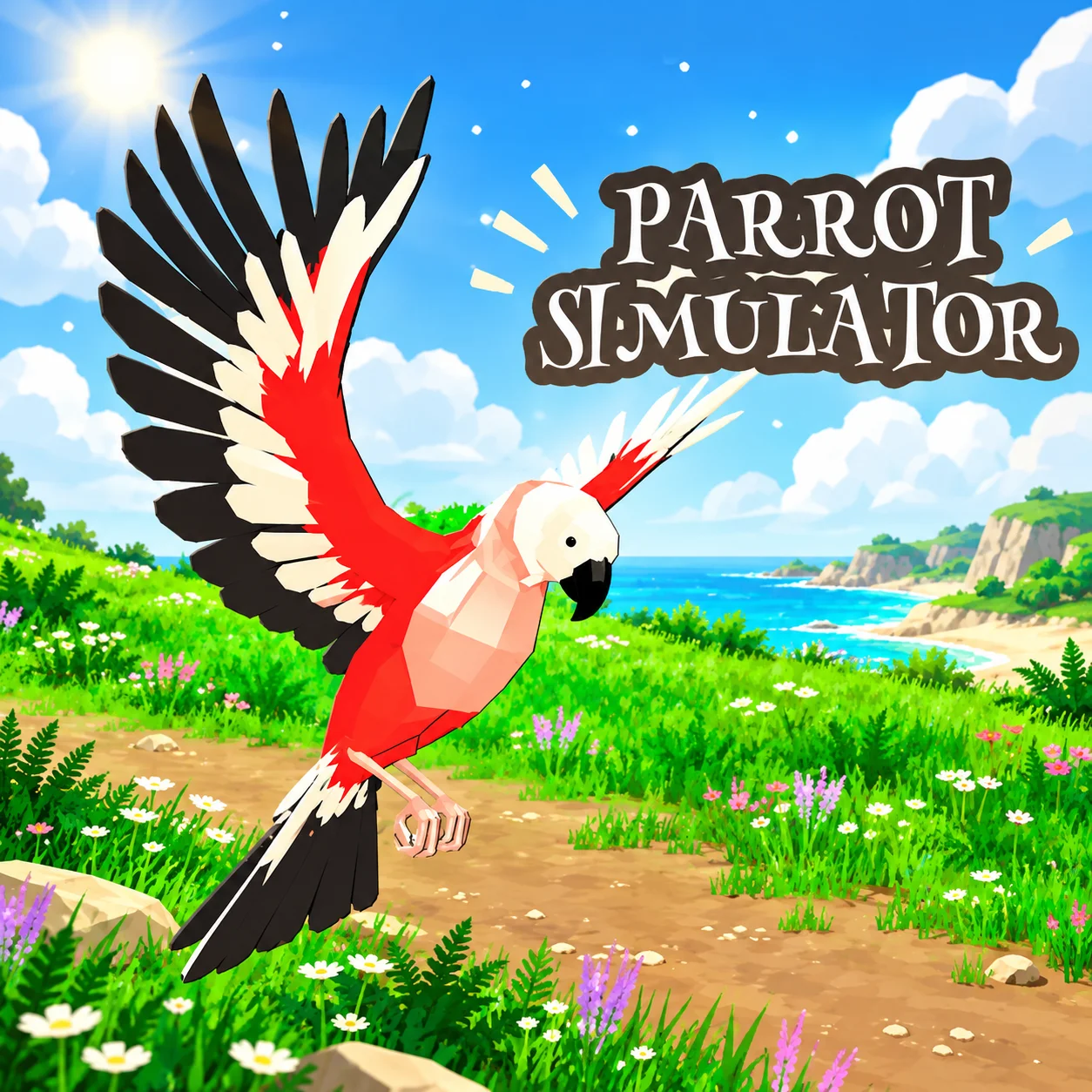
Parrot Simulator is a 3D animal adventure developed by CyberGoldfinch. It places you on a tropical island as a young parrot that must learn to fly, find food, complete missions, and survive encounters with dangerous wildlife.
Unlike animal simulators focused mainly on ground exploration, this game makes vertical movement an essential part of the experience. You can take off, climb, descend, accelerate through the air, and land before continuing on foot. Mastering these movements is important when searching for objectives or escaping predators.
As your parrot gains experience, new progression options become available. You can find a partner, create a family, develop your flock, and improve a home located inside a cave. Home additions strengthen the family, giving you practical reasons to complete quests and collect rewards.
Parrot Simulator runs directly in a desktop web browser using WebGL. The game requires both a keyboard and mouse to provide accurate movement, flight, camera, and combat controls.
How to Play Parrot Simulator
Start by exploring the area close to your home. Search for food and complete accessible missions before traveling into more dangerous parts of the island.
The adventure develops through a combination of activities:
- Walk around the starting area and learn the movement controls.
- Press Spacebar to take off when there is enough open space.
- Use the vertical flight keys to climb or descend.
- Search for food to support your parrot.
- Follow mission markers and complete objectives for rewards.
- Defend yourself against predators on the ground and in the air.
- Find a partner after reaching the required stage of progression.
- Raise a chick and strengthen the growing flock.
- Upgrade your cave home to improve family characteristics.
Landing deserves as much attention as taking off. Descend gradually, reduce your forward movement, and choose a clear location rather than dropping rapidly into trees or uneven ground.
Controls
Use the following desktop controls:
Locking the cursor can make camera control easier during flight. If you need to interact with browser menus or interface elements, unlock it again with L.
Flight, Survival, Flock, and Home Systems
The game connects aerial movement with character and family development.
Flight is the defining mechanic, but constant speed is not always useful. Rapid movement helps in open air, while slower inputs offer greater accuracy around trees, caves, animals, and mission targets.
Home upgrades affect more than appearance. Improving the cave supports the flock’s characteristics, turning collected rewards into lasting benefits.
Beginner Tips for Parrot Simulator
Practice taking off and landing near the starting area. Reliable flight control will make every later activity easier.
Gain altitude gradually. Climbing too aggressively while moving forward can make obstacles difficult to see.
Search for food frequently. Do not wait until supplies become an urgent problem before gathering more.
Follow early missions instead of flying without direction. They provide rewards and introduce important locations.
Avoid large predators at the beginning. Escape by taking flight if your parrot is not strong enough to win.
Use the interface while learning. Hide it only after you understand the map, status indicators, and current objectives.
Find a partner when the feature becomes available. A developed flock provides useful support as the island becomes more dangerous.
Advanced Parrot Simulator Strategy
Use altitude to control encounters. Flying above ground-based predators can create a safer route, but watch for hostile birds that can continue the pursuit in the air.
Approach mission locations from above. A wide aerial view helps you identify the objective, nearby enemies, and a safe landing zone before committing.
Avoid fighting with poor positioning. Land in an open area or maintain enough space to move around the opponent without colliding with environmental objects.
Use speed boosts in straight sections. Accelerating while making sharp turns can cause overshooting and make the camera harder to manage.
Combine activities during each flight. Complete a mission, gather nearby food, and explore a new section of the island before returning home.
Strengthen the flock instead of developing only the main parrot. Balanced family members make group encounters more manageable.
Invest regularly in cave improvements. Permanent family bonuses can provide more long-term value than holding rewards without a clear purpose.
FAQ
Is Parrot Simulator free to play?
Yes. You can play Parrot Simulator online for free through a compatible web browser.
Do I need to download Parrot Simulator?
No. The browser version runs online without requiring a separate installation.
How do I make the parrot fly?
Press Spacebar to take off. Use E to fly upward and Q to descend.
How do I fly faster?
Hold Left Shift while moving to activate the speed boost.
Can I create a parrot family?
Yes. After progressing far enough, you can find a partner, raise a chick, and develop your flock.
What are the missions for?
Missions provide objectives and rewards that help you level up, improve the home, and strengthen the parrot family.
Can I upgrade the parrot’s home?
Yes. The cave home can be improved, and its additions enhance characteristics that benefit the flock.
What kinds of enemies appear?
Predators can pursue the parrot both on the ground and in the air. Some encounters should be avoided until your character and family are stronger.
Is Parrot Simulator multiplayer?
No. The standard browser edition is a single-player animal simulation game.
Who developed Parrot Simulator?
Parrot Simulator was developed by CyberGoldfinch, the creator of several other browser-based animal simulation games.
More Games Like This

Idle Miner
Idle Bee Factory

Poop Clicker Flash

Idle Zoo Safari Rescue

Idle Ants
Idle Shark

LTF Idle

Farm Match Seasons

Raccoon Adventure City Simulator 3D

Andy’s Apple Farm
Ant Art Tycoon