








About Deer Simulator
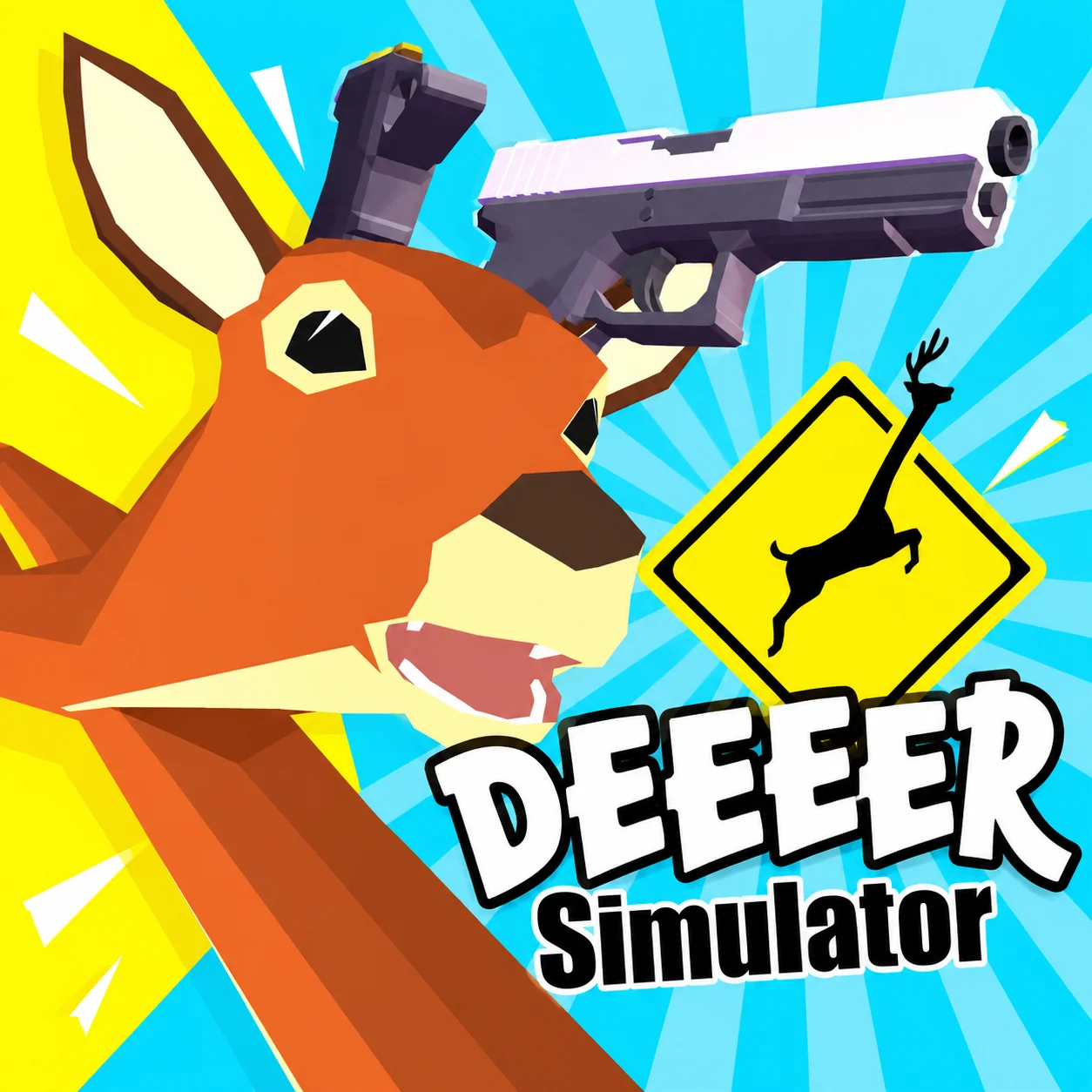
Deer Simulator is a single-player animal adventure game in which you explore a 3D world as a wild deer. The browser title is also known as Deer Simulator: Animal Family 3D.
Rather than following one fixed path, you can travel through the environment, meet different characters, confront hostile creatures, and develop your animal’s life. Exploration, survival management, combat, family building, and home improvements all contribute to the experience.
Your deer has several needs to manage during the adventure. Health, energy, and hunger can affect your ability to travel and survive. Dedicated boosters allow you to restore these resources when necessary, adding a light management element to the open-world gameplay.
The game runs directly through a desktop browser using WebGL. Keyboard controls provide quick access to movement, jumping, attacking, sprinting, and all three survival boosters.
How to Play Deer Simulator
Begin by exploring the area around your starting position. Learn the layout, identify useful locations, and observe nearby creatures before approaching them.
Your general progression can be divided into several activities:
- Explore the 3D environment and discover new areas.
- Watch the deer’s health, energy, and hunger.
- Interact with friendly characters and avoid unnecessary danger.
- Attack hostile creatures when combat cannot be avoided.
- Collect rewards and use them to develop your deer.
- Find a partner and begin building an animal family.
- Improve your home as more options become available.
- Continue exploring and prepare for stronger opponents.
There is no need to sprint everywhere. Moving at a regular pace preserves energy and gives you more time to notice threats, resources, and interactive objects.
Controls
Use the following controls in the desktop browser version:
Keep the three booster keys separate in your mind. Using the wrong one during an emergency may consume a resource without solving the immediate problem.
Family, Home, and Survival Systems
Deer Simulator combines open-world movement with several connected progression systems.
These systems should be developed together. Exploring without monitoring survival resources can leave your deer vulnerable, while concentrating only on combat may cause you to overlook family and home progression.
Boosters provide an immediate solution when one resource becomes low, but they are most valuable when reserved for situations that genuinely require them.
Beginner Tips for Deer Simulator
Learn the booster keys before traveling far. Quick access to health, energy, and hunger recovery can prevent an avoidable failure.
Walk when the surroundings are safe. Constant sprinting may leave you without enough energy when an enemy appears.
Observe creatures before attacking. Some characters may be friendly, while others can become dangerous.
Avoid fighting multiple enemies simultaneously. Move away and approach from a safer direction if several threats gather nearby.
Explore close to home during the early game. Familiar surroundings make it easier to retreat while you learn the controls.
Use short movement inputs in confined areas. Precise positioning is helpful when approaching characters or moving around obstacles.
Invest in steady development. Building a family, improving the home, and strengthening the deer together creates more reliable progress.
Advanced Deer Simulator Strategy
Plan exploration routes around the deer’s current condition. Begin a long trip only when health, energy, and hunger are at safe levels.
Treat sprinting as a tactical resource. Use it to escape attacks, close the distance to an objective, or cross a hazardous area—not simply to move everywhere faster.
Control the distance during combat. Move in to attack, then reposition before the opponent can respond. Repeatedly trading hits can drain health quickly.
Identify safe retreat paths before approaching hostile creatures. Open terrain gives you more room to turn and sprint away if the encounter becomes unfavorable.
Do not waste boosters on minor shortages. Preserve them until a resource is low enough to affect survival or prevent you from completing an important activity.
Combine exploration with progression. When traveling to a new location, look for useful interactions and opportunities along the route rather than making separate trips.
Return home periodically to review available improvements. A stronger base and a developed family provide longer-term value beyond a single encounter.
FAQ
Is Deer Simulator free to play?
Yes. You can play the browser version online for free.
Do I need to download Deer Simulator?
No. The game runs directly in a compatible web browser without a separate installation.
Is this game also called Deer Simulator: Animal Family 3D?
Yes. The browser game is commonly listed under the longer title Deer Simulator: Animal Family 3D.
Can I build a deer family?
Yes. Family building is one of the game’s main progression features.
Can I improve my home?
Yes. The game includes a home-development system alongside exploration and family gameplay.
How do I restore health, energy, and hunger?
Use the corresponding boosters: E for energy, R for health, and T for hunger.
How does the deer attack?
Approach an enemy and press Enter. Monitor your health and retreat if the opponent is too strong.
Is Deer Simulator multiplayer?
No. The standard web version is a single-player animal simulation game.
Who developed Deer Simulator?
Deer Simulator: Animal Family 3D was developed by Unimix Studio.
Is Deer Simulator designed for desktop browsers?
Yes. The browser edition is best played on a desktop or laptop with a keyboard.
More Games Like This

Particle Clicker
Idle Miner

Idle Bee Factory

Poop Clicker Flash

Idle Zoo Safari Rescue

Idle Ants

Idle Shark

LTF Idle

Farm Match Seasons

Raccoon Adventure City Simulator 3D

Andy’s Apple Farm