













About FNAF Pizzeria Simulator
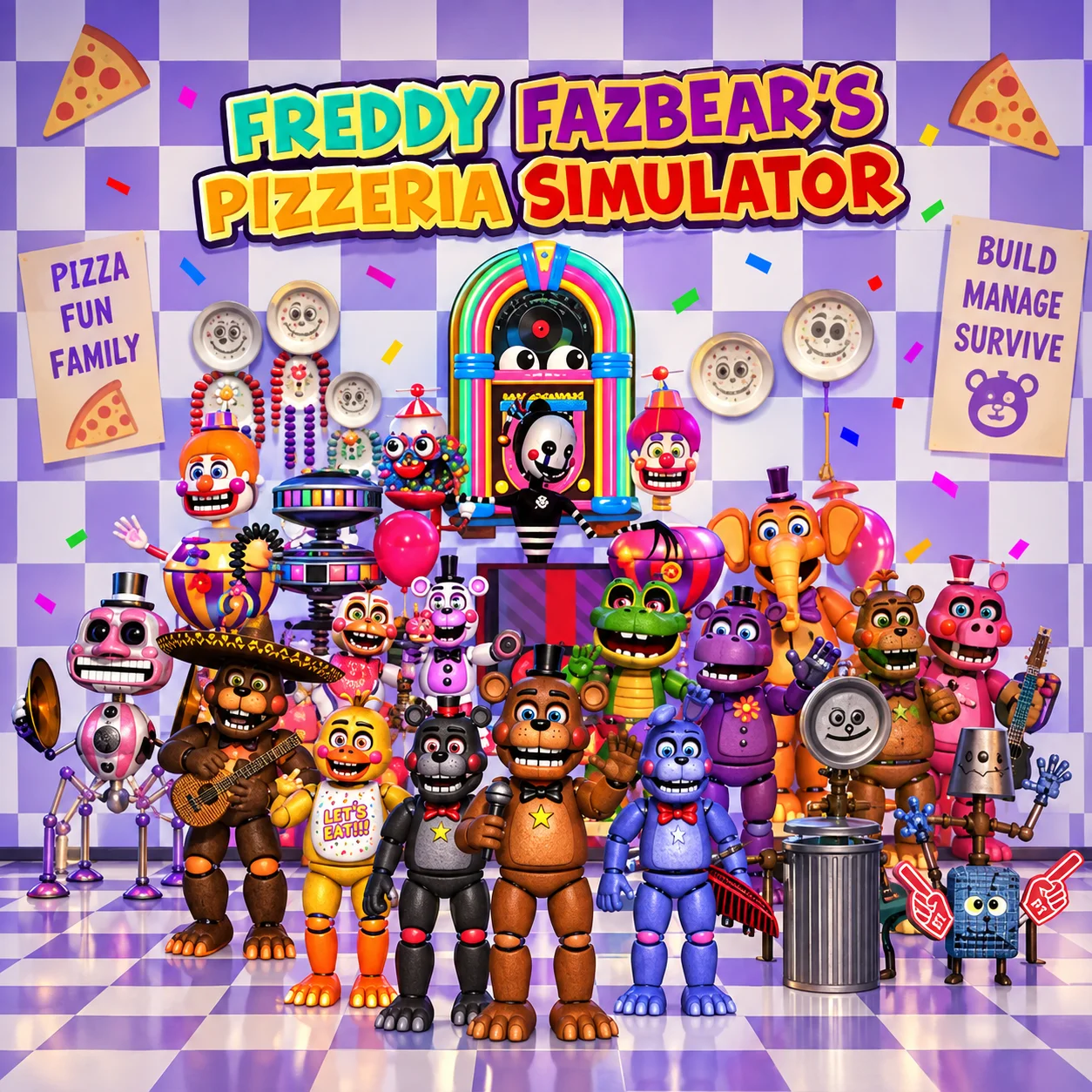
FNAF Pizzeria Simulator is a management and survival-horror game based on Freddy Fazbear’s Pizzeria Simulator, also commonly known as FNAF 6. Its cheerful restaurant-building interface hides a much darker experience involving dangerous animatronics and tense office shifts.
During the management phase, you purchase attractions, animatronics, decorations, safety equipment, and restaurant improvements. Each item can affect entertainment, atmosphere, revenue, health and safety, or legal risk.
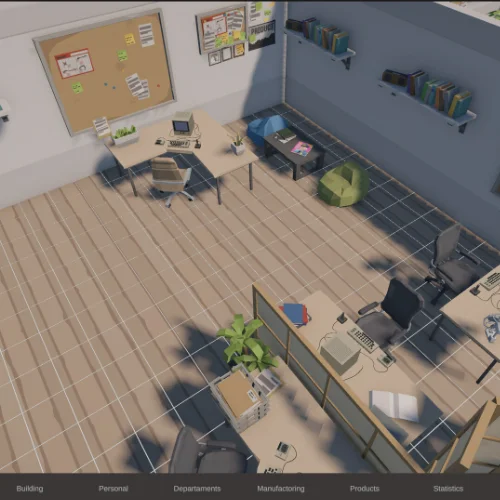
When business operations end, you enter a confined office and complete administrative tasks using a computer. The equipment creates noise, however, and hostile animatronics may approach through the ventilation system. Surviving requires a balance between progress, temperature, sound, and careful listening.
The browser edition allows you to experience this combination of business strategy and horror directly on a compatible website without controlling a character through a conventional 3D environment.
How to Play FNAF Pizzeria Simulator
- Begin with the introductory pizza minigame, then establish your restaurant with the limited budget provided. Open the catalog and purchase items that improve the pizzeria without creating more liability than you can manage.
- Place attractions on the restaurant floor and test compatible machines to earn additional value. Check every product carefully: cheap equipment may be helpful early, but discounted or damaged items can carry hidden risk.
- At the end of a business day, you may receive an opportunity to inspect a recovered animatronic. Follow the recorded instructions, document its reactions, and decide whether the potential payment is worth bringing it into the business.
- During the office phase, use the terminal to complete every required task. Monitor nearby movement, use audio strategically, and reduce noise whenever an animatronic approaches. Finish the checklist and log off safely to advance to the next day.
Controls
Controls change according to the current phase of the game.
Browser ports may use slightly different inputs. Follow the prompts displayed by the version loaded on the game page.
Money, Restaurant Stats, Liability, and Risk
Every purchase contributes to the restaurant’s performance, but a high-value item may also introduce danger.
A profitable restaurant is not necessarily a safe one. Evaluate the long-term consequences before accepting every discount, sponsorship, or salvage opportunity.
Beginner Tips for FNAF Pizzeria Simulator
- Avoid spending the entire starting budget on one attraction.
- Check liability risk before purchasing a discounted product.
- Invest in health and safety instead of focusing only on entertainment.
- Test attractions when it provides useful rewards.
- Think carefully before accepting an animatronic for salvage.
- Complete quieter office tasks before running loud equipment.
- Turn off noisy systems when you suspect an animatronic is nearby.
- Use headphones so movement and ventilation sounds are easier to identify.
- Do not leave the ventilation disabled long enough for heat to become critical.
- Treat sponsorship money as a tradeoff because advertisements can interrupt tasks.
Advanced FNAF Pizzeria Simulator Strategy
Plan purchases around value per unit of risk. An inexpensive attraction may produce useful revenue, but its liability can create expensive legal trouble later. A safer item with lower immediate profit may provide better long-term results.
During salvages, focus on changes in the animatronic’s posture between audio prompts. Complete the required documentation without becoming careless. If the risk appears greater than the payment, rejecting the salvage may be the strategically stronger choice.
In the office, divide the workload into short task groups. Start a process, listen for movement, and interrupt it if necessary rather than attempting to complete the entire checklist without checking the vents.
Use the motion detector to estimate an animatronic’s location, then place the audio lure away from the office. These systems generate their own noise and require attention, so avoid switching between tools without a clear purpose.
Disabling ventilation makes the room quieter but increases its temperature. Use this option briefly when a threat is close, then restore airflow when the immediate danger has passed.
Complete essential tasks first. If a particular job is loud or slow, save it for a moment when motion data suggests the animatronics are farther away. Good timing is more important than rushing.
FAQ
Can I play FNAF Pizzeria Simulator online?
A browser edition or web port can run directly on supported game websites. Availability and controls may vary between hosts because the original release was made for Windows.
Is FNAF Pizzeria Simulator the same as FNAF 6?
Yes. The title generally refers to Freddy Fazbear’s Pizzeria Simulator, commonly called FNAF 6.
Who created the original game?
Freddy Fazbear’s Pizzeria Simulator was created by Scott Cawthon.
What is the main objective?
You must develop a pizzeria, manage its finances and safety, make salvage decisions, complete office tasks, and survive the animatronics.
Is the game only a restaurant simulator?
No. Restaurant management is combined with salvage inspections, hidden story elements, and nighttime-style survival-horror sequences.
What does liability risk mean?
Liability represents the danger associated with an attraction or business decision. Higher risk can lead to lawsuits and other negative consequences.
Should I accept every salvage animatronic?
Not necessarily. Salvaging provides money, but accepting a dangerous animatronic can make future office shifts more difficult.
Why should I avoid sponsorships?
Sponsorships provide immediate cash, but their advertisements can appear during office work, create distractions, and interfere with your ability to detect danger.
How do I keep animatronics away from the office?
Monitor movement, use audio to draw them elsewhere, minimize unnecessary noise, and listen carefully near both ventilation openings.
Why is the office temperature increasing?
Turning off ventilation reduces noise but allows heat to build. Restore the ventilation before the temperature reaches a dangerous level.
Does the game have multiple endings?
Yes. Your purchases, salvage choices, performance, and other decisions can lead to different outcomes.
When was the original game released?
Freddy Fazbear’s Pizzeria Simulator was originally released on December 4, 2017.
More Games Like This

Idle Fill Factory Events

Idle Idle GameDev

Idle Zoo Safari Rescue

Idle Light City
Idle Lumber Inc

Idle Toy Factories

Idle Tree City

BitLife Life Simulator Game

Ant Art Tycoon

Chicky Farm
Funny Battle Simulator 2