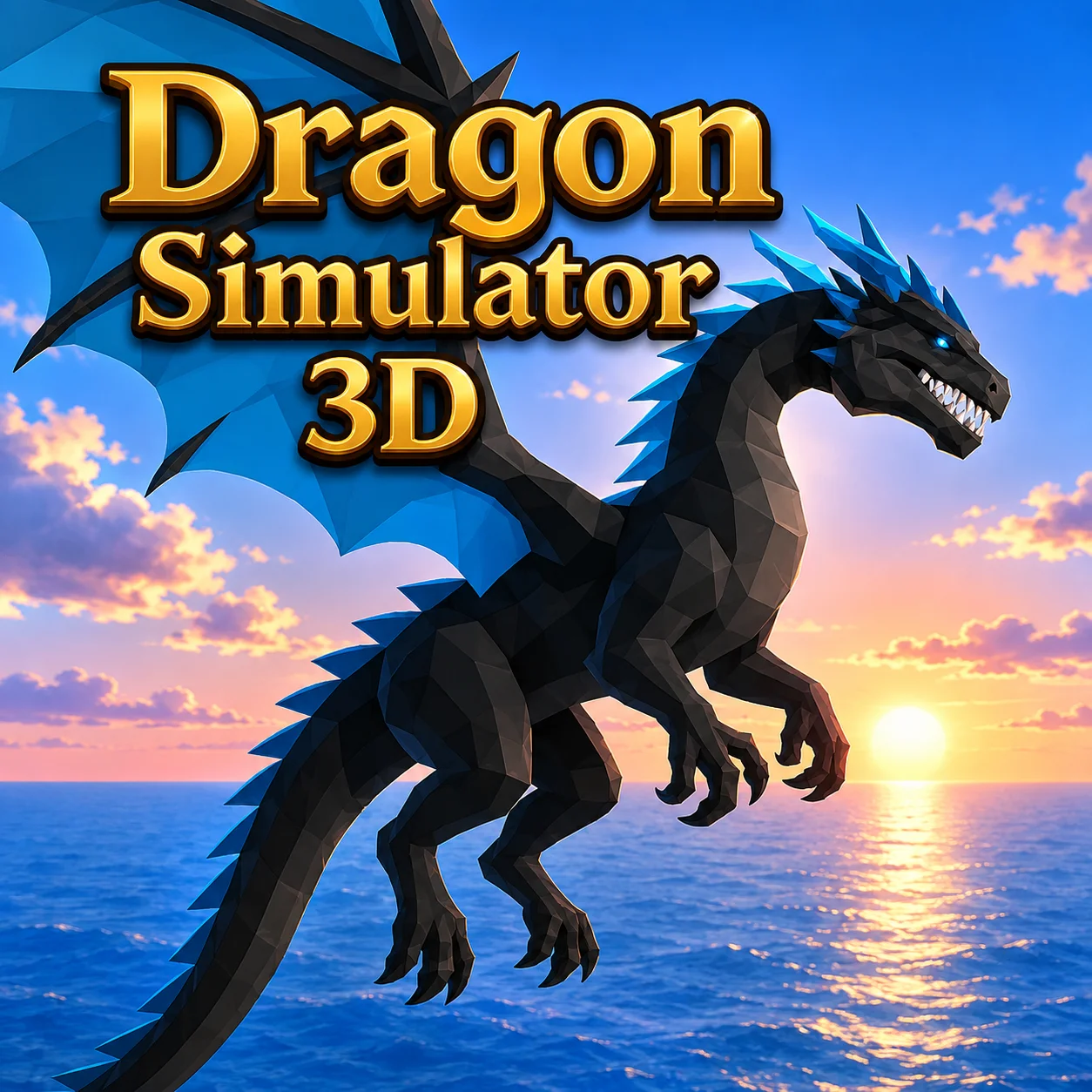











About Dragon Simulator 3D
Dragon Simulator 3D is an open-world action game developed by CyberGoldfinch. Instead of raising a dragon from the sidelines, you directly control the creature on land and in the air while exploring a large fantasy environment.
Character creation lets you select your dragon’s name, color, and elemental affinity. The four available elements—fire, ice, nature, and air—give your dragon a distinctive appearance and matching ranged power.
The world contains quests from humans, animals, and other dragons. Completing these tasks earns rewards and stars that contribute to your dragon’s level. As it grows stronger, it becomes faster and better prepared for more difficult missions and battles.
You can also improve your home and enter online PvP battles in supported versions of the game, adding progression and competitive combat to the free-roaming experience.
How to Play Dragon Simulator 3D
- Create your dragon and choose one of the four elemental affinities. Spend your first few minutes learning how ground movement, takeoff, landing, climbing, and descending work.
- Explore the world and speak with characters that offer missions. Read the objective carefully, then use flight to reach the relevant location. Tasks may involve finding a destination, helping a character, hunting an enemy, collecting something, or demonstrating your dragon’s strength.
- Use the elemental breath attack from a distance and the melee attack when an enemy gets close. Defeated targets and completed quests provide rewards that help your dragon gain levels.
- Collect the required stars to advance, then use your progress to develop the dragon and its home. When entering PvP, apply the flying skills learned in the open world to outmaneuver other players.
Controls
Using a keyboard and mouse in a desktop browser provides the most precise control during flight and combat.
Elements, Stars, Home, and Game Modes
Your chosen element influences the dragon’s identity, while quests and stars drive long-term progress.
The elemental options create visual and thematic variety, but positioning, aim, movement, and level progression remain essential in every battle.
Beginner Tips for Dragon Simulator 3D
- Practice taking off and landing before accepting a distant mission.
- Choose an element you enjoy; do not overthink the first selection.
- Use altitude to spot roads, buildings, characters, and quest locations.
- Attack from range before moving close enough for melee combat.
- Avoid provoking groups of humans because they can retaliate with weapons.
- Land in a clear area rather than dropping directly into a crowded fight.
- Complete nearby quests before traveling to another region.
- Collect stars consistently instead of ignoring progression rewards.
- Use normal flight for precise movement and Shift only when extra speed is useful.
- Hide the interface with H only after you understand the status indicators.
Advanced Dragon Simulator 3D Strategy
Effective flight is based on controlled altitude rather than remaining as high as possible. Fly low enough to identify targets, climb before crossing obstacles, and descend gradually when preparing to attack or land.
Begin combat with an elemental ranged attack. This lets you damage an enemy while preserving space to react. Move closer only when the target is vulnerable or when a melee attack can finish the encounter quickly.
During aerial battles, avoid flying directly toward an opponent for too long. Change height, circle to the side, and use short speed boosts to make your movement harder to predict. After attacking, continue past the target and turn for another approach instead of stopping in front of it.
Use terrain defensively. Mountains, buildings, and elevation changes can interrupt enemy attacks or provide time to reposition. However, flying too close to obstacles reduces your turning space, so always keep an exit route available.
Plan quest routes from the air. Group objectives located in the same region and complete them during one journey. This method earns stars and rewards more efficiently than repeatedly crossing the entire world.
Before entering PvP, improve your dragon through single-player quests and practice aiming while moving. Flight control often determines the result more than constant attacking.
FAQ
Can I play Dragon Simulator 3D online?
Yes. The game can be played directly in a compatible web browser without installing a separate desktop application.
Who developed Dragon Simulator 3D?
The game was developed by CyberGoldfinch.
Which dragon elements are available?
You can choose fire, ice, nature, or air.
Can the dragon fly freely?
Yes. Press Q to take off, Spacebar to climb, C to descend, and Q again when you want to land.
How do I level up my dragon?
Complete quests and collect stars. Accumulating enough progression allows the dragon to reach a higher level and become stronger.
What is the difference between the two attacks?
The left mouse button uses a ranged elemental attack, while the right mouse button performs a close-range melee strike.
Do humans fight back?
Yes. Humans may retaliate with arrows and other weapons if you attack them, so engaging large groups can be dangerous.
Can I upgrade the dragon’s home?
Yes. Progression includes the ability to develop and improve your home area.
Does Dragon Simulator 3D have multiplayer?
Supported online versions include PvP battles in which players control their own dragons and fight one another.
How do I hide the interface?
Press H. Press it again when you need to see the game information.
Why is the cursor not moving normally?
Press L to lock or unlock the cursor, depending on whether you want to control the camera or interact with the interface.
When was Dragon Simulator 3D released?
The original browser version was released in November 2019.
More Games Like This

Idle Miner

Idle Bee Factory

Poop Clicker Flash

Idle Zoo Safari Rescue

Idle Ants

Idle Shark

LTF Idle

Farm Match Seasons

Raccoon Adventure City Simulator 3D

Andy’s Apple Farm

Ant Art Tycoon